
How to view your check-ins in the Clockster mobile app
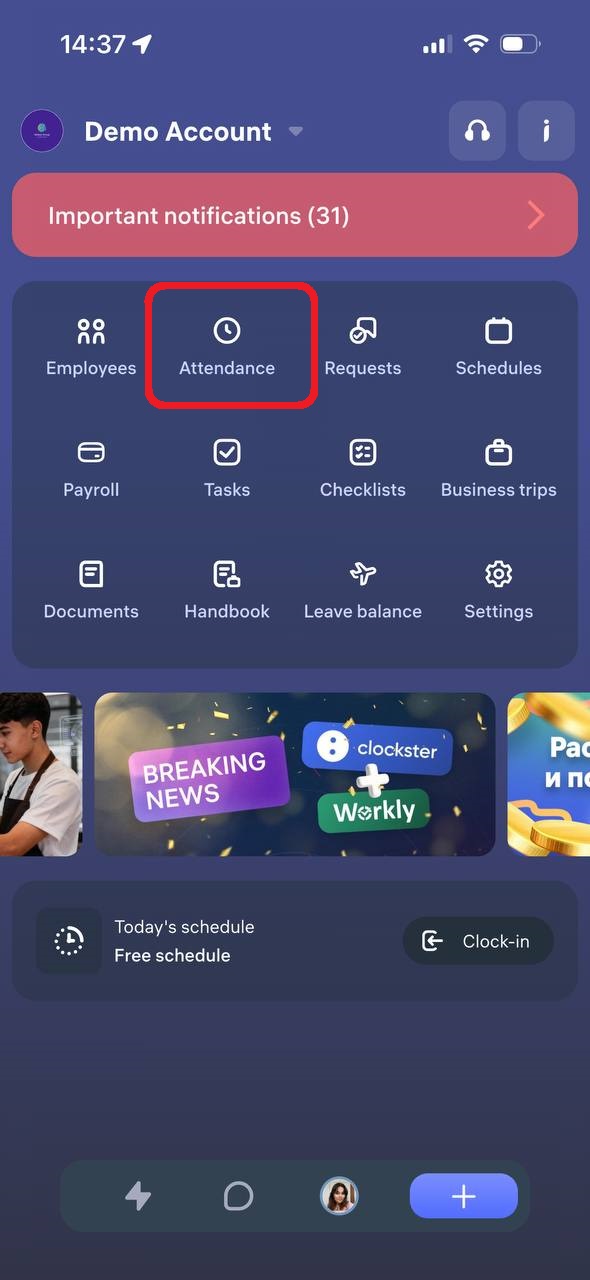
You can view your check-ins in the “Attendance” section of the Clockster mobile app.
On the main page of the app, tap the “Attendance” icon.
2. In the window that opens, select the “My Attendance” tab.
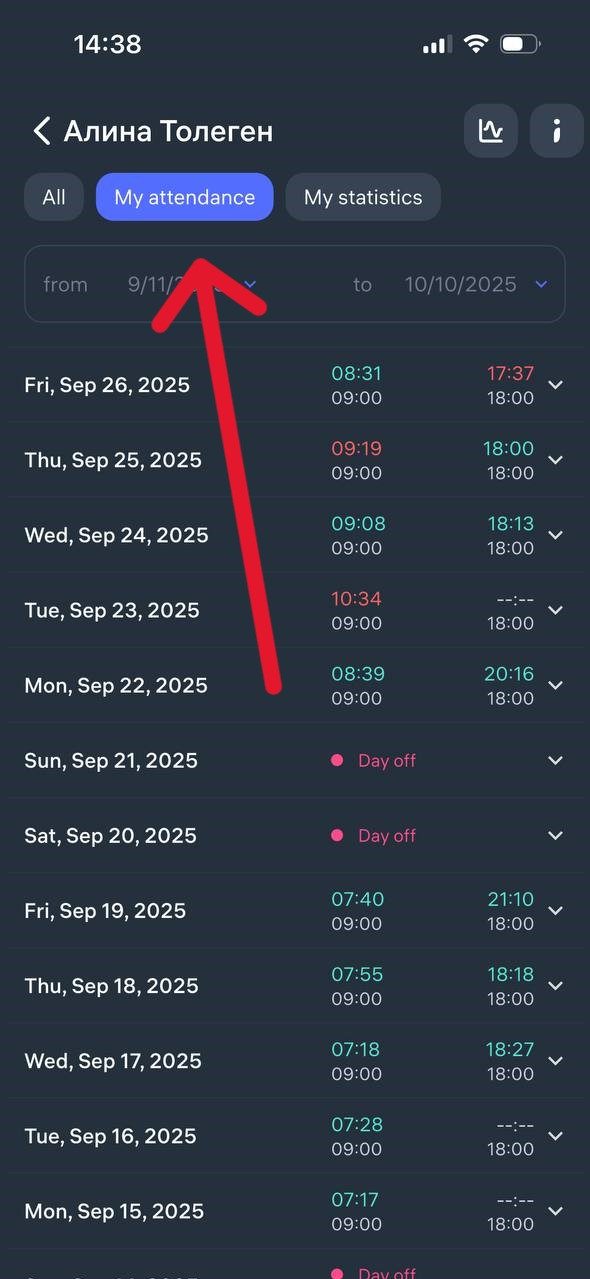
3. Here you’ll see all your check-ins for the selected period — including clock-in and clock-out times, as well as dates.
If needed, you can change the date range at the top using the filter (for example, to view attendance for a week, a month, or any custom period).
Updated at