
My statistics
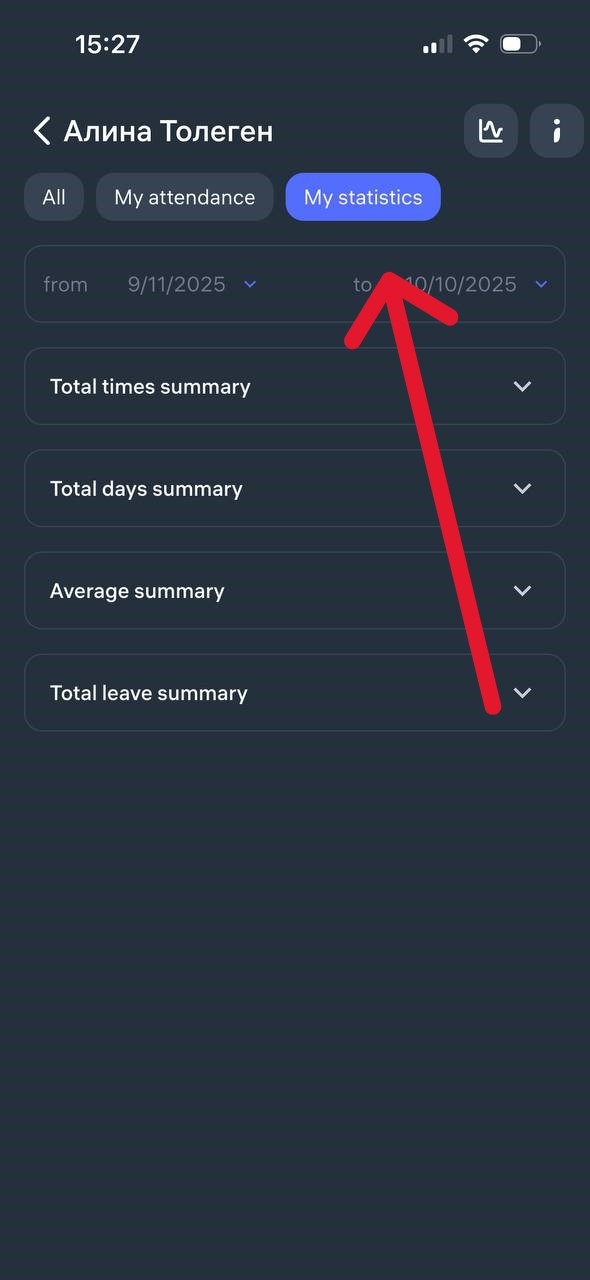
The “My Statistics” section in Clockster displays a summary of your attendance for a selected period.
What you can see in the statistics:
Planned hours — the number of hours you were scheduled to work.
Worked hours — the actual number of hours you worked.
Overtime — the number of hours worked beyond your schedule.
Worked on weekends — shows if you worked on non-working days.
Late time — the total time you arrived late to work.
Early departures — the total time you left earlier than the end of your shift.
Additional information available:
Total days summary — details for each individual day.
Average summary — average working hours.
Total leave summary — displays weekends and public holidays.
Where to find it:
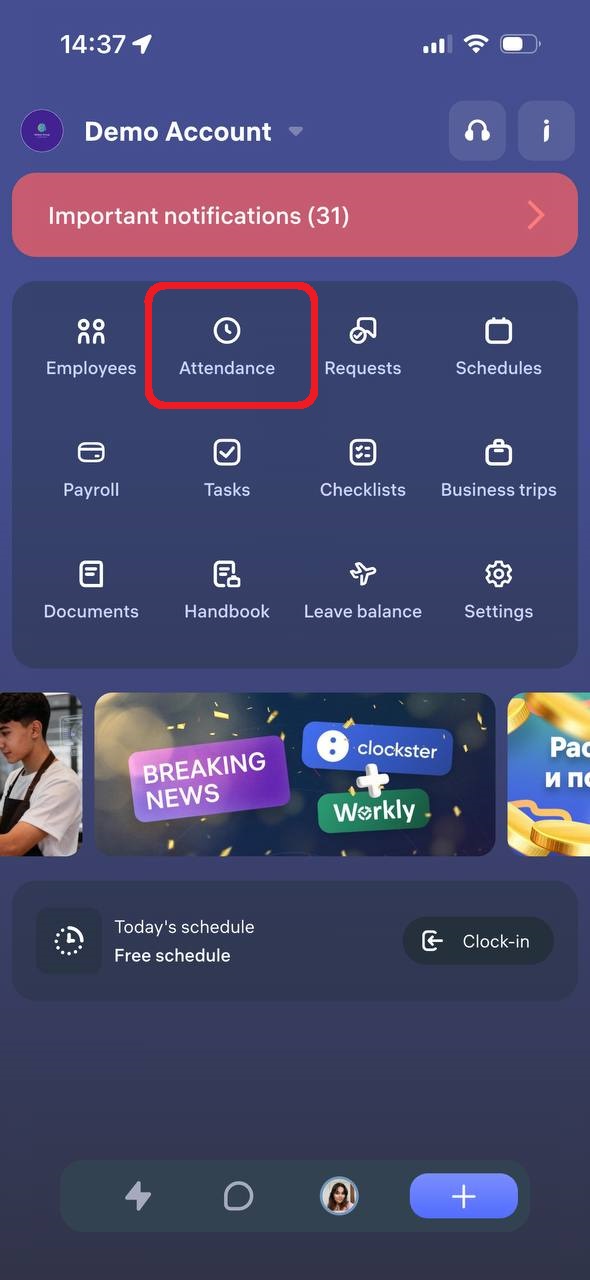
Go to the “Attendance” section.
Select the “My Statistics” tab.
Set the desired period (select the start and end dates).
Updated at