
How to Request an Absence
If, for a valid reason, you cannot come to work (due to illness, personal circumstances, annual leave, etc.), you can submit an absence request in the Clockster app to notify your administrator and ensure accurate time tracking.
To do this:
Open the Clockster app.
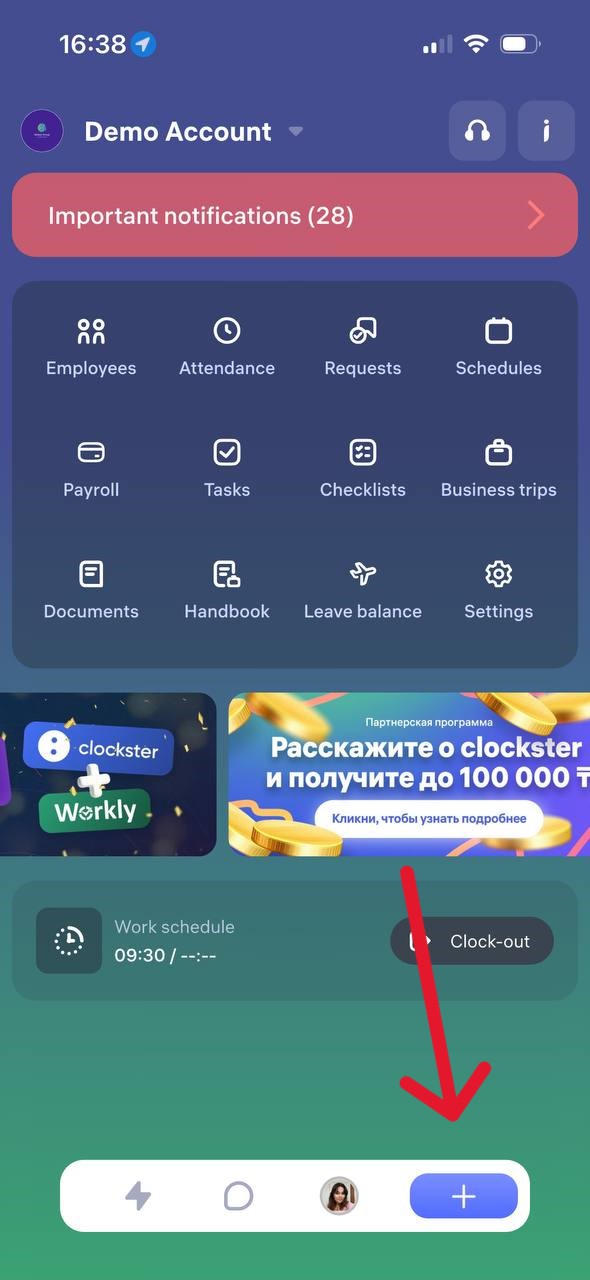
Tap the “+” icon on the bottom of the screen.
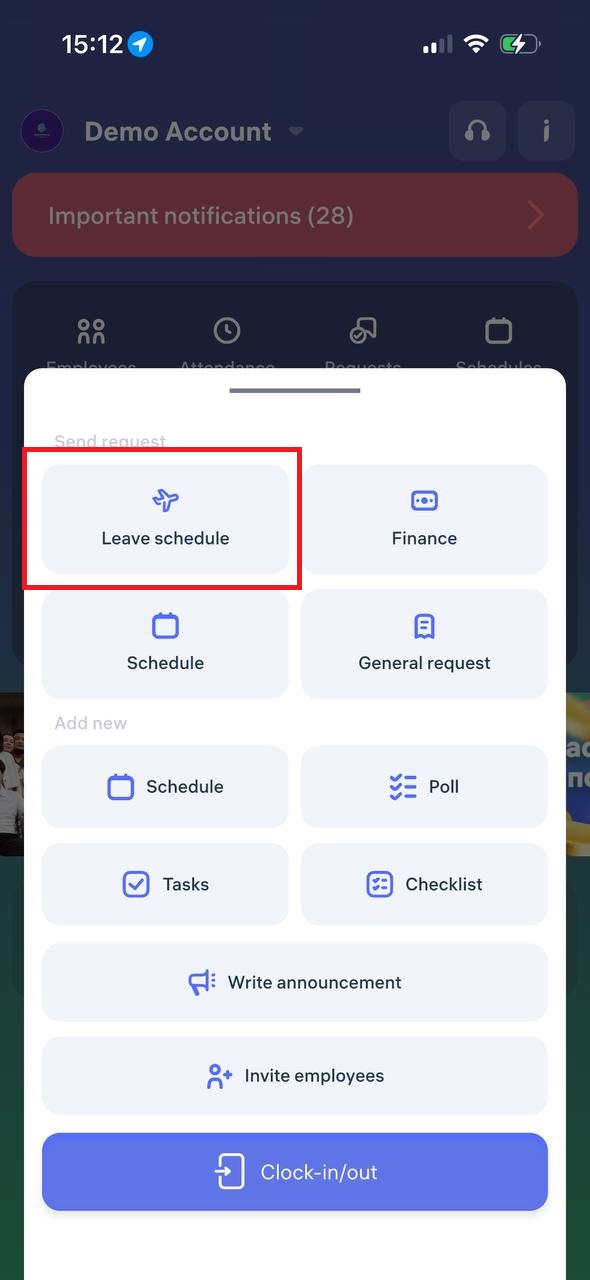
Select “Leave Schedule.”
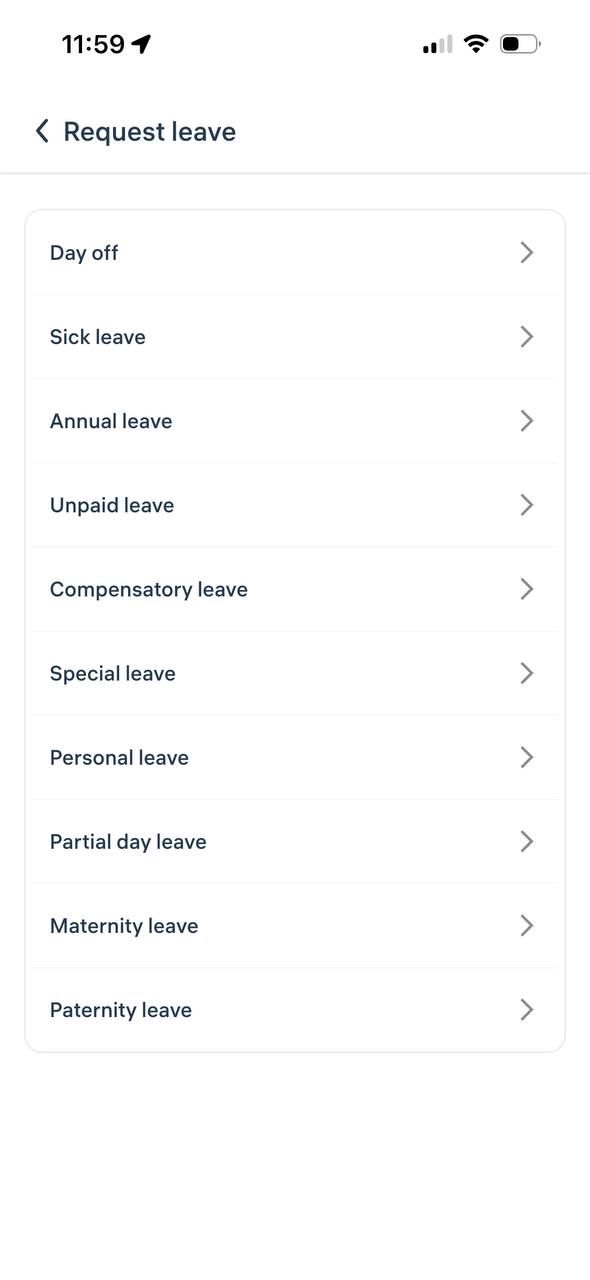
Then choose the reason for your absence request.
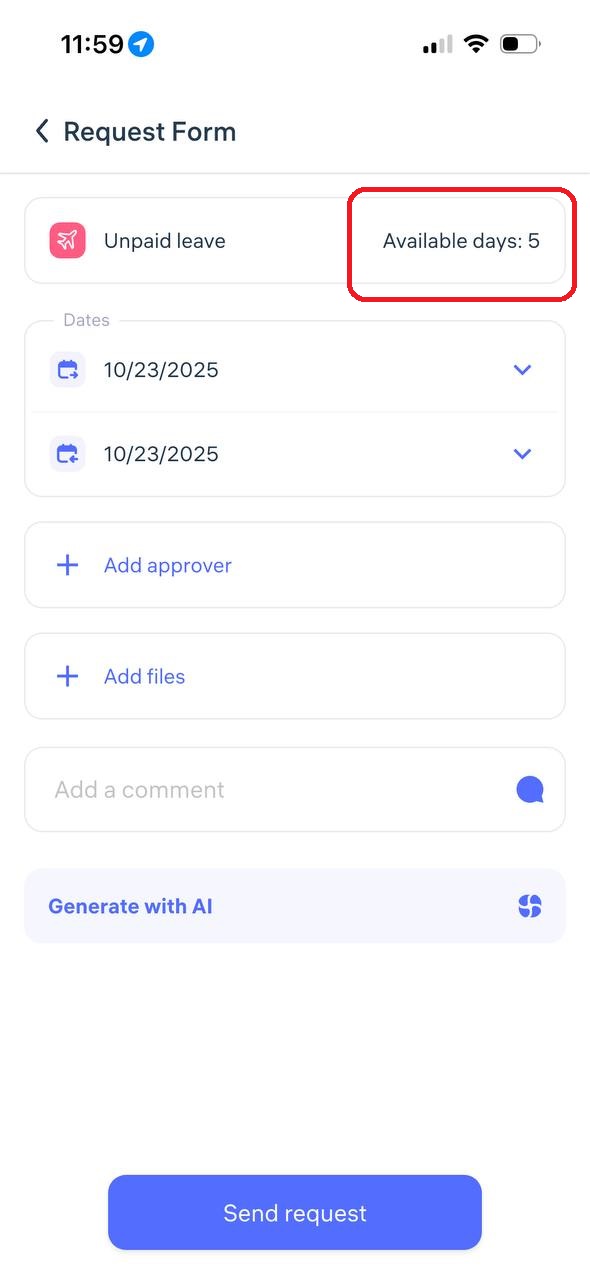
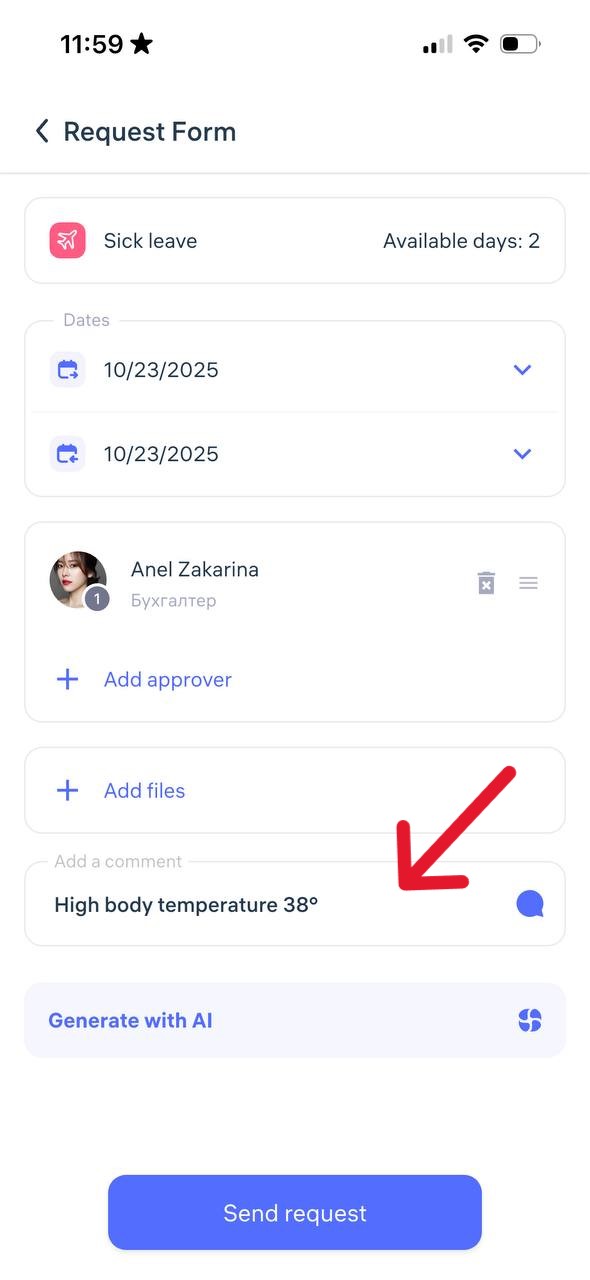
When creating any type of absence request, select the dates or period of your absence.
If your company administrator has set a leave balance, you will see the number of available days you can request.
Choose the manager who should review your request and add a comment explaining the reason for your absence.
Tap “Send Request.”
Track the Status of Your Request
After submission, you can monitor the status in the “Requests” section:
Pending
Approved
Declined
Important:
Submit your request as early as possible, as soon as you know about your upcoming absence.
If you forgot to submit it in advance, do so on the day of your absence and include a comment explaining the situation.
Updated at